

Step-by-Step Guide to Installing Your New CCTV Camera
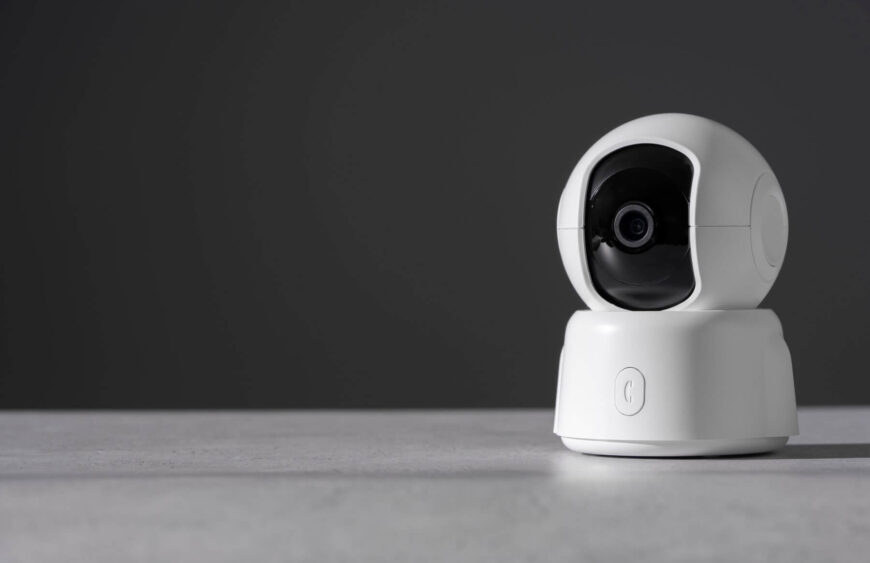
Installing a new CCTV camera can seem daunting, but with a step-by-step approach, it becomes manageable. At SafetechBD, we provide top-of-the-line IP CC cameras, and we are here to guide you through the installation process to ensure your security system is set up correctly and efficiently.
Step 1: Planning Your Installation
Before you begin the physical installation, it’s crucial to plan out your setup. Start by identifying the areas you want to monitor and determine the best camera types for each location. High-traffic areas, entrances, and exits are prime spots for placing your cameras. Make sure you have a clear view of these areas and consider factors such as lighting and potential obstructions. Also, decide whether you will be using wired or wireless cameras, as this will affect your installation process. Wired cameras typically offer more stable connections but require more extensive cabling, while wireless cameras provide flexibility in placement.
Step 2: Gathering the Necessary Tools and Equipment
Once you have your plan in place, gather all the tools and equipment you will need for the installation. This typically includes the CCTV cameras, mounts or brackets, screws, a drill, a screwdriver, and any necessary cables or power adapters. For wired installations, you will also need a DVR (Digital Video Recorder) or NVR (Network Video Recorder) to connect and store the footage. Wireless cameras may require a stable Wi-Fi connection and possibly a router or extender to ensure strong signal strength. Having everything prepared beforehand will streamline the installation process and prevent unnecessary interruptions.
Step 3: Mounting the Cameras
Begin the installation by mounting the cameras in their designated locations. For indoor cameras, choose spots like corners of rooms or hallways that provide a wide view of the area. For outdoor cameras, place them under eaves or other sheltered spots to protect them from weather conditions. Use the drill to make holes for the mounting screws, and then secure the camera brackets in place. Attach the cameras to the brackets, ensuring they are tightly secured. Adjust the angle of the cameras to cover the desired areas, and make sure they are positioned high enough to avoid tampering but low enough to capture clear images.
Step 4: Connecting the Cameras
For wired cameras, run the cables from each camera to your DVR or NVR. This may involve drilling holes through walls or ceilings to conceal the cables and keep them out of sight. Connect the power adapters to the cameras and plug them into a power source. For wireless cameras, follow the manufacturer’s instructions to connect them to your Wi-Fi network. This usually involves downloading an app and following a setup process to pair the cameras with your network. Ensure that each camera has a strong and stable connection to your recording device or network to avoid any interruptions in surveillance.
Step 5: Configuring and Testing Your System
After all the cameras are installed and connected, the final step is to configure and test your system. Access the DVR, NVR, or camera app to set up each camera. Adjust settings such as motion detection zones, recording schedules, and notifications according to your preferences. It’s important to test each camera to ensure it is capturing the desired footage and that the angles are correct. Walk through the monitored areas to see if the cameras detect and record movement properly. Make any necessary adjustments to optimize coverage and image quality. Regular testing and maintenance will help keep your security system functioning effectively.
Conclusion
By following these steps, you can successfully install your new CCTV cameras and ensure your property is well-protected. Proper planning, preparation, and testing are key to a smooth installation process. At SafetechBD, we provide high-quality IP CC cameras and comprehensive support to help you secure your home or business. Visit our website for more tips and to explore our range of security solutions.